
User Tools
Site Tools
Sidebar
This is an old revision of the document!
Spline
Brickyard : Functions > Mathematical
Interpolates (blends) values using one of several algorithms, as defined by the Function parameter. This brick can accept two arrays of input values (indicated by the brackets '[]'). An array is created using an Array brick.
Snapshot

Parameters
Outputs
- Spline Result : Variable - Description…
Inputs
- Value : Float - Controls the distribution of the array elements.
- Begin : Variable - Description…
- P1 : Variable - Description…
- P2 : Variable - Description…
- End : Variable - Description…
- Function : Description…
- catmull-rom : Description…
- solvecatmull-rom : Description…
- bezie : Description…
- solvebezier : Description…
- bspline : Description…
- solvebspline : Description…
- hermite : Description…
- solvehermite : Description…
- linear : Description…
- solvelinear : Description…
Settings
- Type : Sets the type of the Spline Result output parameter, as well as the Begin, P1, P2 and End input parameters to one of float, color, point, vector or normal.
Examples
In a Material
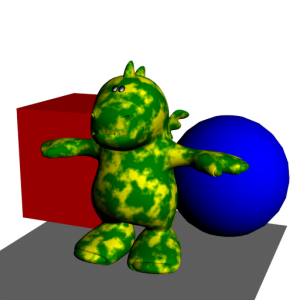
- In the second example, the same array values are used, but the input value is from a Marble brick, and a bspline function is used, which creates more of a central tendancy, de-emphasizing the Begin and End colors.


Page Tools
Except where otherwise noted, content on this wiki is licensed under the following license: CC Attribution 3.0 Unported


